 SkylitDocsGet Skylit
 Appearance, weather & Momo
Set the colours, clock, city and companion for your room.
Make it readable
Settings → General contains colour mode and text size. Settings → Appearance contains the six paired palettes and Momo’s wardrobe. Each palette has light and dark versions; High contrast is available when you need stronger separation.
Automatic mode follows astronomical sunrise and sunset at your configured city, calculated on the frame. It does not need location permission, a weather API call or a server. Before a city is set, it follows the device’s light/dark preference.
Choose your city
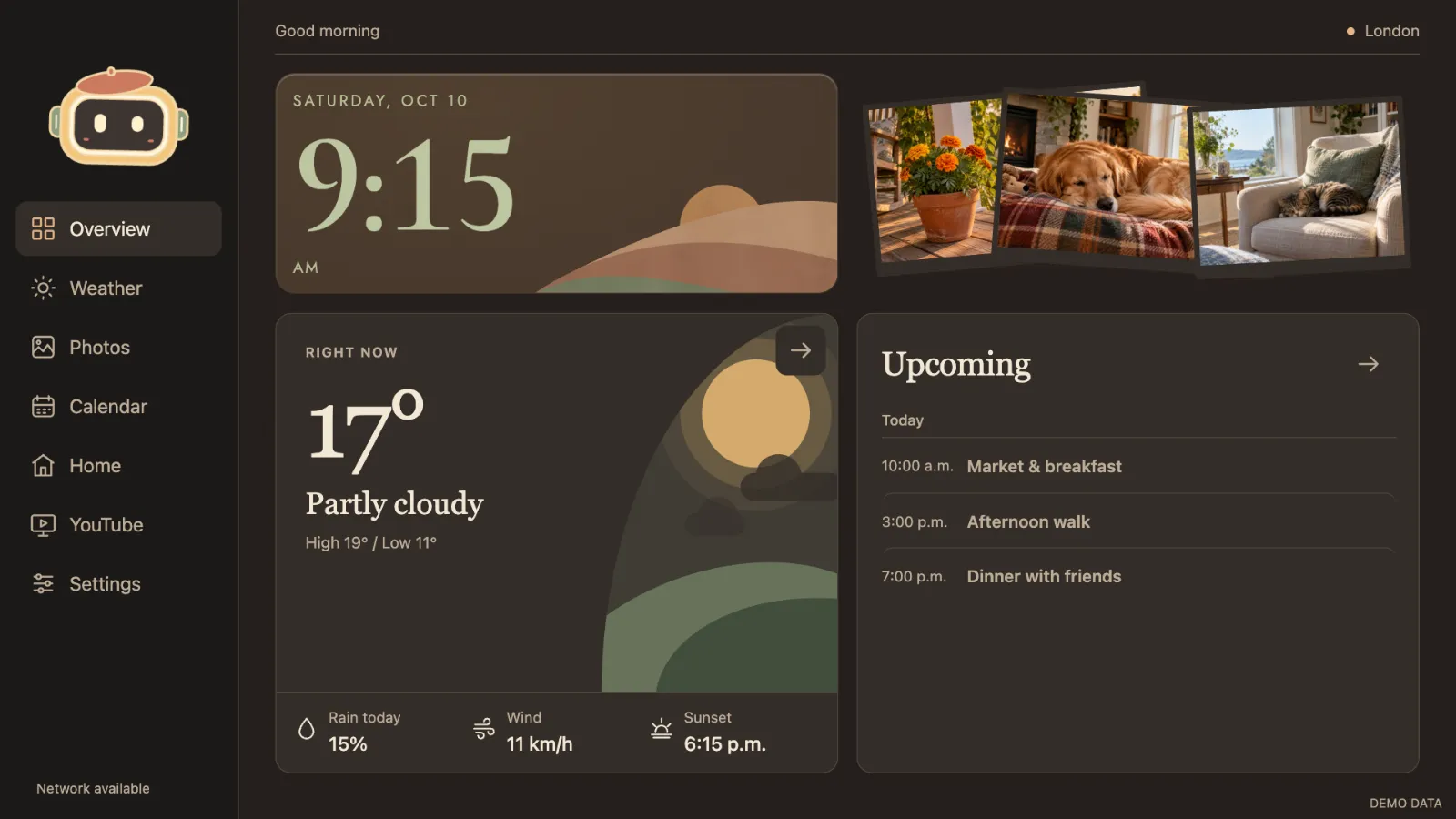
Open Settings → General → City & time to search and select a city. Weather shows current conditions, hourly and five-day forecasts from Open-Meteo. Skylit keeps the last forecast when offline and labels stale data.
The forecast illustration follows the forecast’s day/night state. Your selected interface mode can differ. These controls change the interface, not the frame’s physical brightness.
Meet Momo
Momo reacts to pages and weather, has a daily rhythm and can wear a fixed outfit or choose new clothes each day. Find accessories and motion choices under Settings → Appearance → Momo.
Quiet hours and privacy pause are under Settings → General → Daily routine. They hide content without deleting it. Manual photo browsing and external services are not automatically interrupted.