 SkylitDocsGet Skylit
 Set up your frame
Choose a city, connect your pictures and add the calendars you want to see.
Open the setup guide
A fresh installation opens Set up your frame. Existing installations keep their settings and are not interrupted by the guide after an update.
Reopen it at Settings → Help & maintenance → Open setup guide. You can leave setup and use the dashboard at any time.
Three things to choose
- City: open Settings → General → City & time, search for your city and select it. This sets weather and the timezone used by Skylit.
- Photos: choose a shared Google Photos album or pictures stored on the frame. For email delivery, use a dedicated Gmail account and enter its app password only on the frame.
- Calendar: open Calendar → Calendar options. Copy the secret iCal address on your computer and enter it directly on the frame. Add each calendar separately.
Check the result
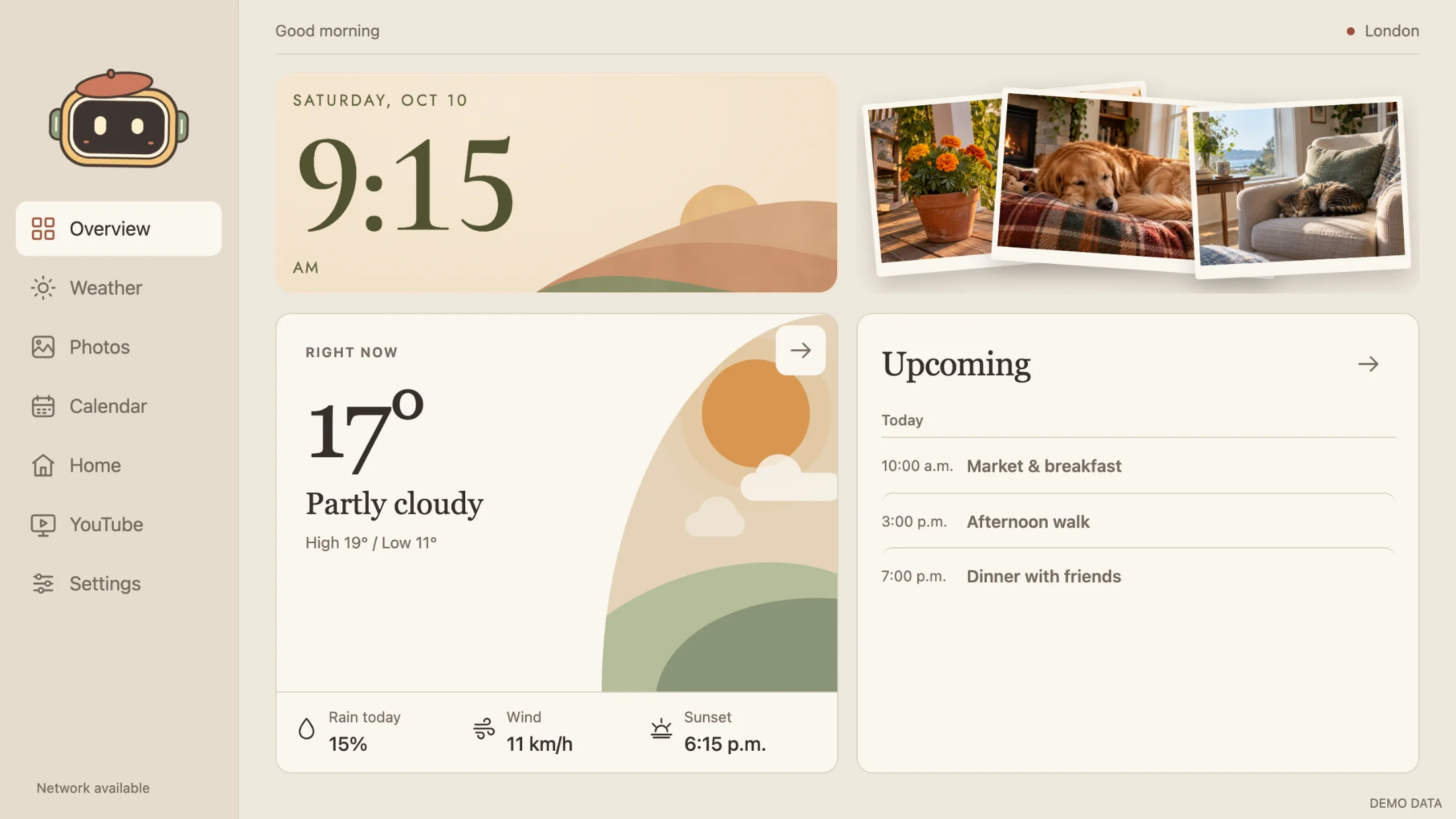
Confirm the forecast shows the right city, a picture opens and advances in the slideshow, and an event change appears after a calendar refresh. A saved credential or an opened website alone does not prove the connection works.
Skylit has no hosted account or subscription. Google Home and YouTube use their own websites and sessions; sign in on the frame if needed.